
pauld
-
Posts
38 -
Joined
-
Last visited
-
Days Won
4
pauld's Achievements






-
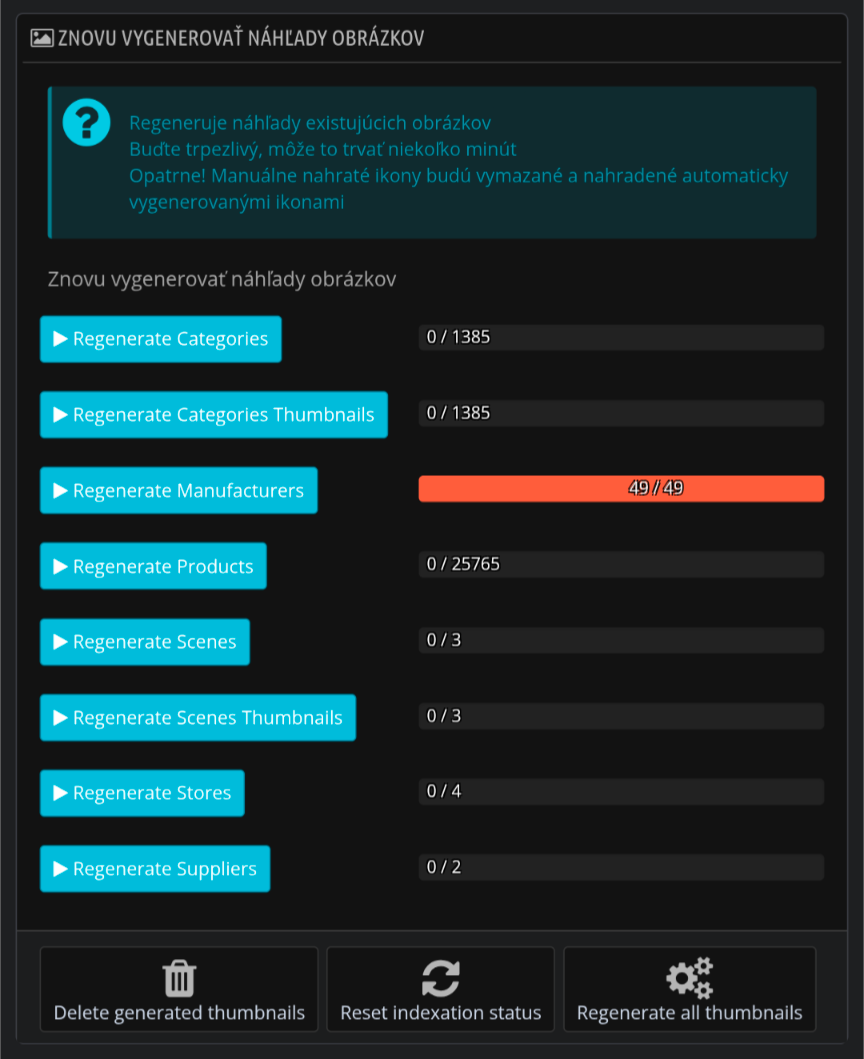
Hi, in administration go to: Preferences -> Images. Then regenerate images.

-
What kind of NVMe SSD you have, what version? I did not tested, but suspect drive can have have huge impact, especially when database is on same drive.
-
We have a large product catalog and use our own synchronization solution. To handle product images, our solution generates them on our own server instead of the VPS or web hosting environment. It then uploads the images in the required dimensions and formats (webp, avif) to the thirtybees img directory and creates the corresponding database records. This way, we avoid using web host resources for image generation and achieve better image quality and compression. Our solution is currently built for our specific ERP system and environment, but maybe there is some similar solution available for your environment?
-
Hello thirtybees community, ours are: - https://www.duvalo.sk - https://www.hudobniny.net We rushed into production, so still tweaking some stuff.
-
Use module: Mail via SwiftMailer.
-
Isn't your database space limited by hosting? For example in my environment I have 30GB of free space, but database size is limited to 5GB from hosting provider part.
-
Is migrated store working when you move it from local to host?
-
Do complete backup before any migrations first. Test migration on a copy (files and database) on your webhost or localhost. If migration is successful, you can use it as production then (in case you don't have any new orders, or other data). If you're unable to find Server performance setting, lower values in UpgraderTool (it's a dirty solution, but may work).
-
Looking at psonesixmigrator-v2.1.1 classes/UpgraderTools.php file, you can try set "Server performance" setting to "Low" inside your current PS 1.6 store. If it is not sufficient, you can lower values inside mentioned file (classes/UpgraderTools.php; lines 244 - 252). BTW, are you getting some errors in your hosting logs? If nothing helps, I would make a store and database copy locally, and try update here. If not successful either, I would disable (or uninstall) any third party modules.
-
What is your environment? Are you on hosting, or migrating it on your own environment (localhost)? What is your memory limit and what modules do you have enabled?
-
How safe is it to disable this option in terms of TB core and native modules?
-
 This is not really a bug, but PHP 8.1 deprecation warning. Smarty function is only supressing this warning: https://github.com/smarty-php/smarty/blob/master/libs/plugins/modifier.date_format.php For locale-independent date time formatting we can use the date() function, but how is that smarty function used in thirtybees templates?
 -
What is console showing you? What your server and TB error logs are showing?
-
In my cases, in 3 different servers deployment.. Admin product thumbnails working fine. Also behind CloudFlare working as expected. On one host on php 8.1 LiteSpeed server also working fine. I would look at server configuration as datakick suggesting.
-
Just out of curiosity, what is your TB version? What is browser console showing you? Is your web server behind some proxy/CDN, or localhost? Is your server showing you some logs or not? What is your TB theme? It's like asking a friend over the phone why my bus isn't showing up?, without your friend knowing what city and line you're going ..